BlockAI Dynamic Segments & Real-Time Reach
BlockAI is a powerful generative AI tool designed to help businesses effectively and efficiently identify and engage their target audience. By analyzing data fr
BlockAI is a powerful generative AI tool designed to help businesses effectively and efficiently identify and engage their target audience. By analyzing data from the open internet—such as websites, social media, and search behaviors—it uncovers real-time insights into customer interests and behaviors. With a single search query, you can discover users of interest, view real-time reach estimates, and instantly target your desired audience.
- 1From the Audience Builder section, select BlockAI Segments
- 2Choose either Trending Segments or Create Your Own
Trending Segments
- 1To use predefined categories in the creation of a real-time, dynamic, BlockAI audience segments select Trending Segments from the radio button at the top.
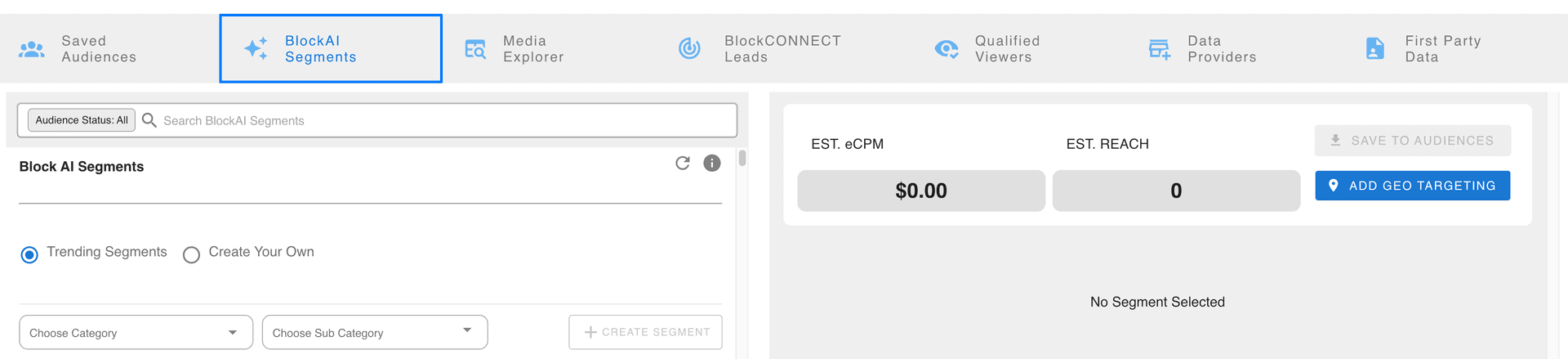
- 2Select one or more categories from the dropdown Choose Category
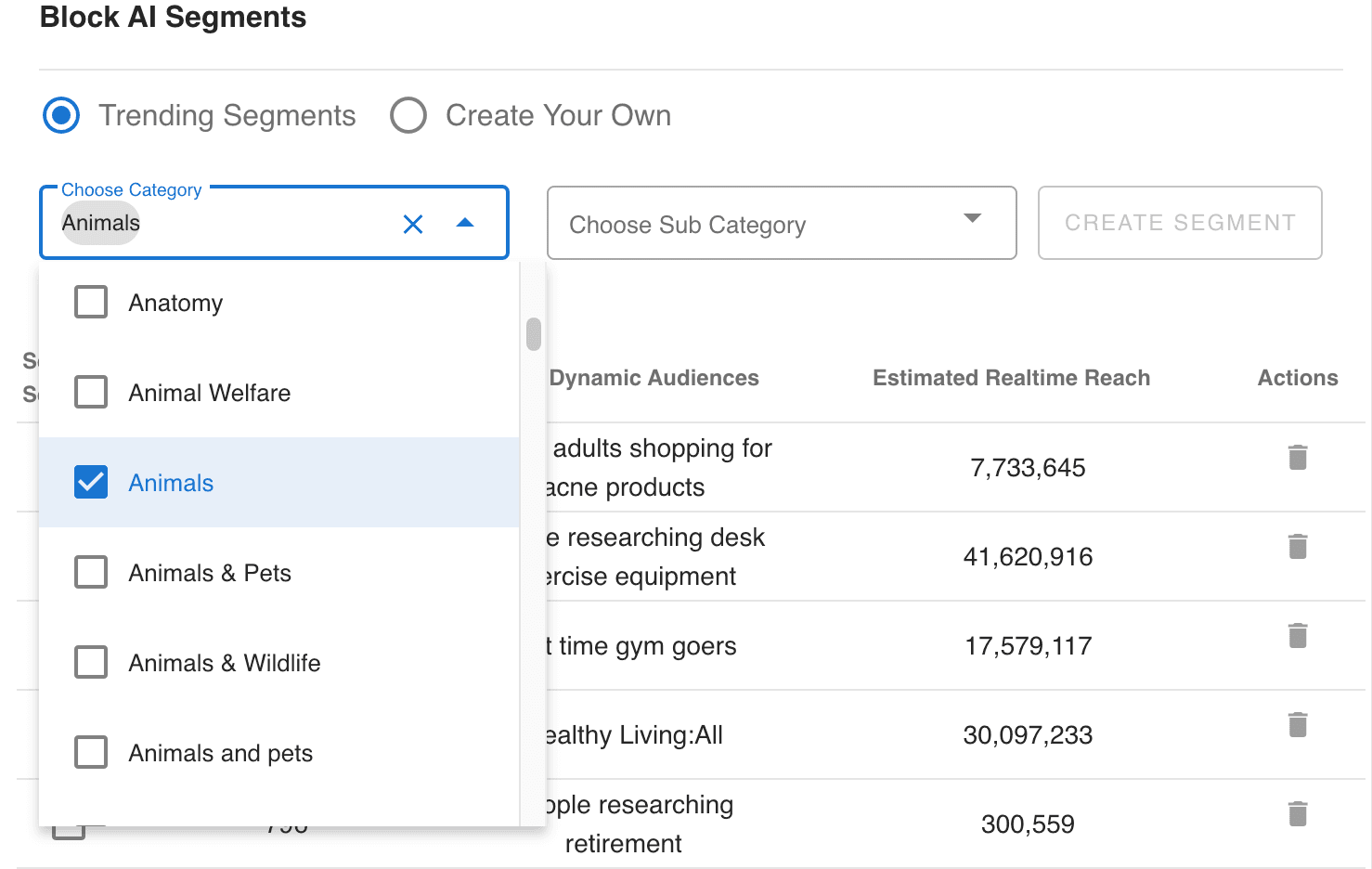
- 3Then, make selects form the Sub Category dropdown to further define the results.
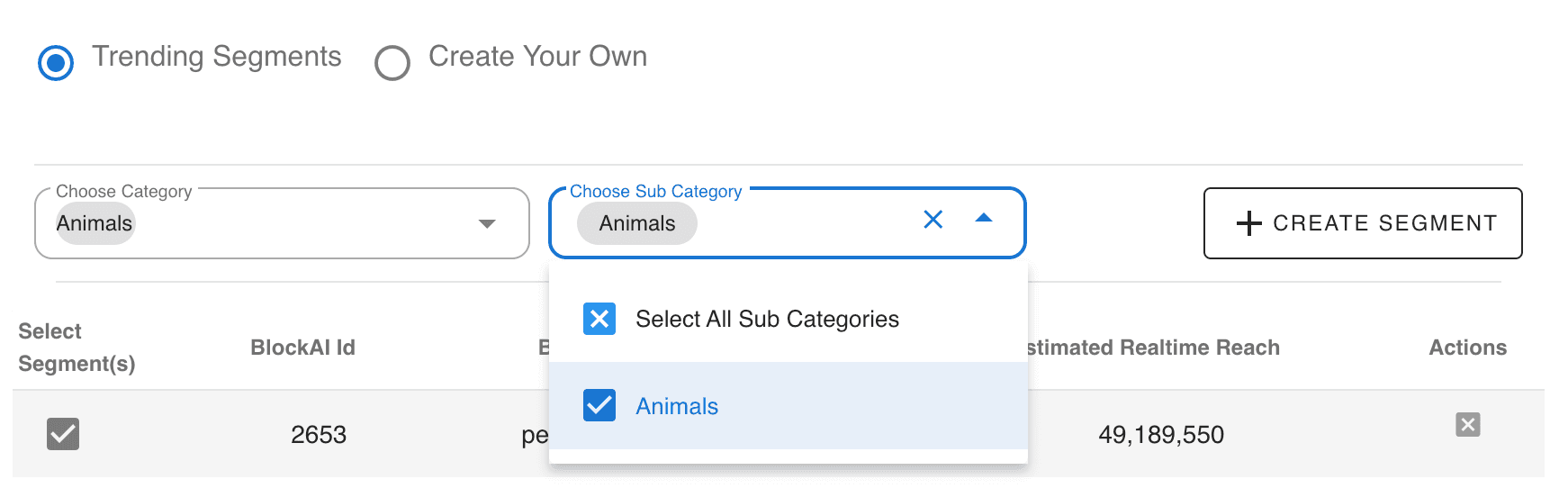
- 4Once both of these options have been selected, the user will be allowed to create a new segment by clicking the Create Segment button
- 5The new segment will appear on the table below.
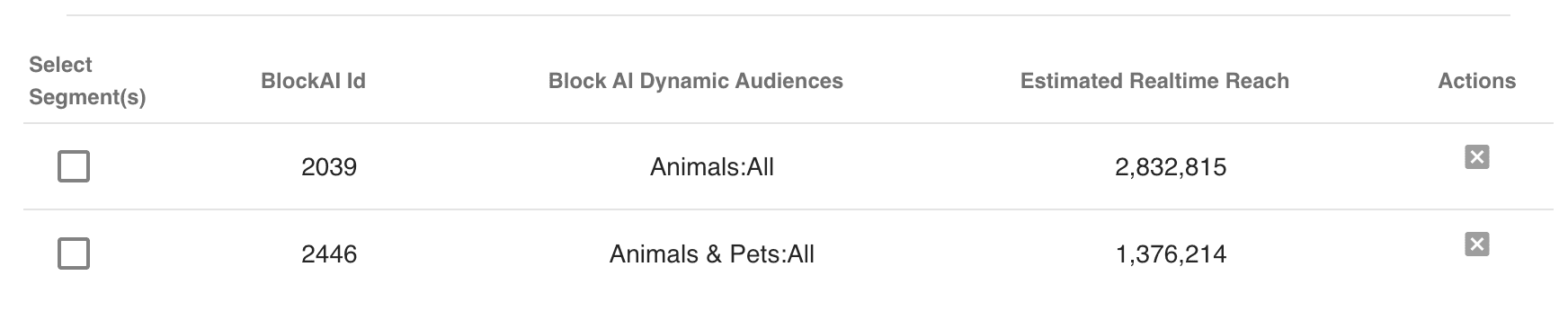
- 6To create an audience, select one or more audience segments from the table below by checking the selection boxes for the desired segments.

- 7The name of the segment will appear on the right-hand side of the window in blue.
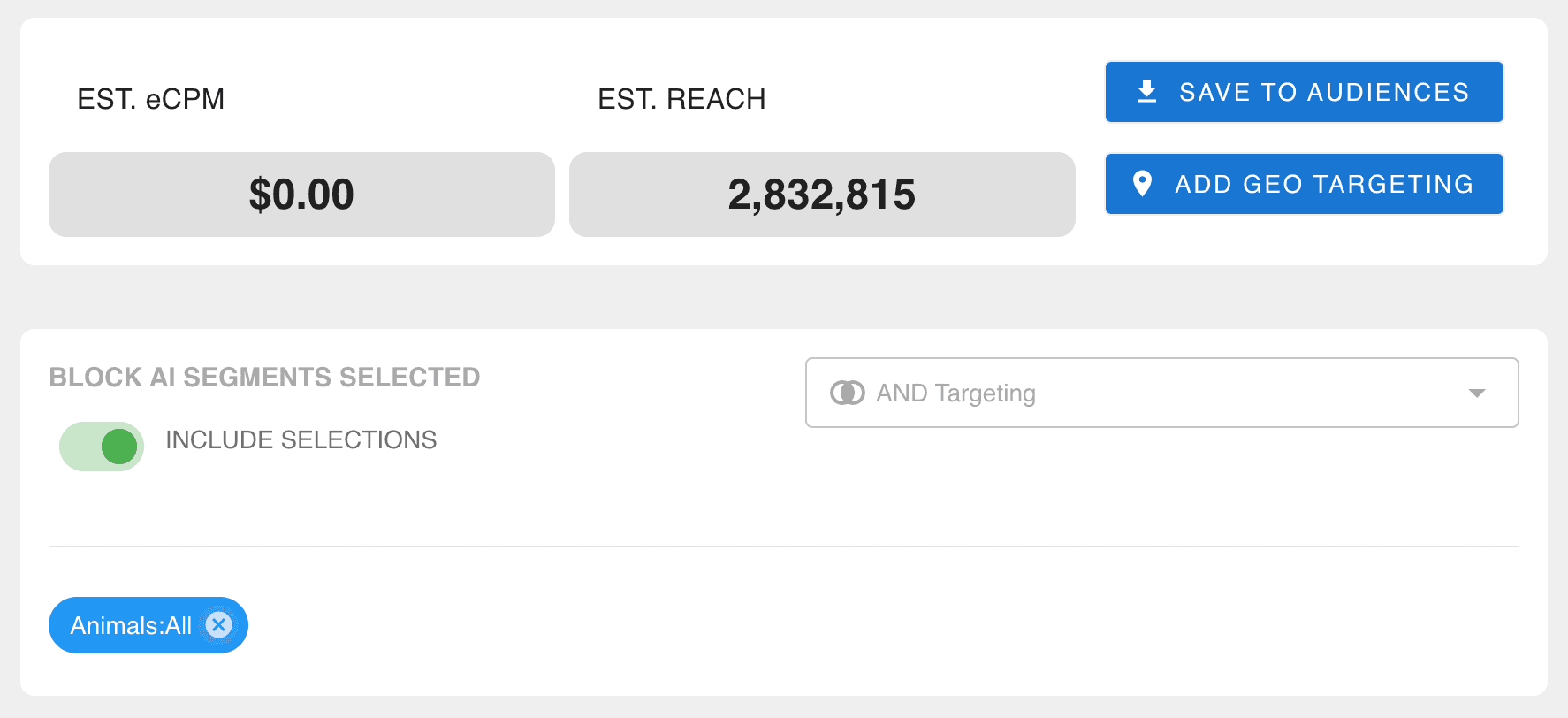
- 8More BlockAI segments can be added to increase this audience reach estimate.
- 9Apply the desired logic -- Include / Exclude -- And / Or
- 10Click Save to My Audiences
- 11Now, the BlockAI audience segment will be available to view in the My Audience section and available to use in the Ad Group section of the Campaign Manager
Create Your Own Segments
- 1To prompt the creation of your own real-time, dynamic, BlockAI audience segments select Create Your Own from the radio button at the top.
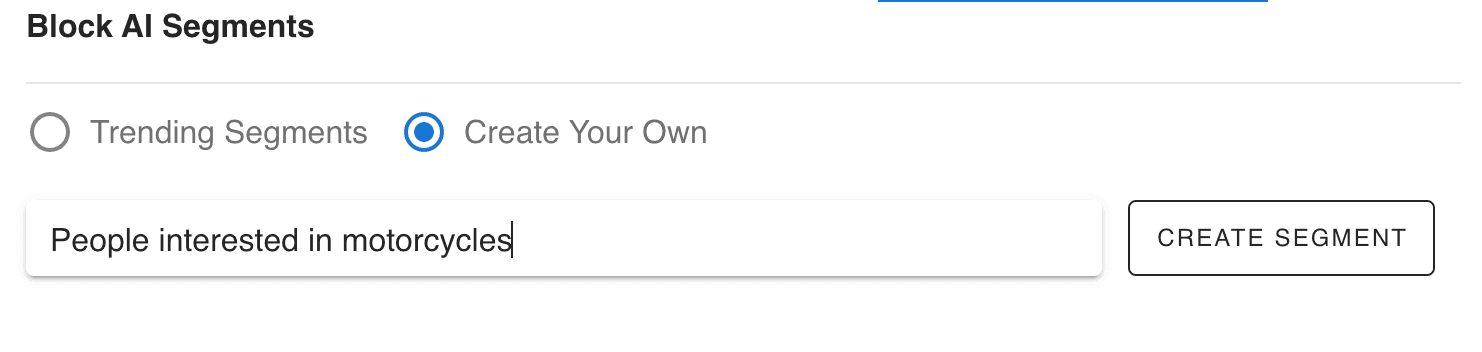
- 2Enter your own prompt and click the Create Segment button.
- 3Note: for best practices, only include one subject at a time and keep the prompt as concise as possible.
- 4The new segment will appear on the table below.

- 5Note: the real-time audience reach estimate provided for the newly created segment
- 6To create an audience, select one or more audience segments from the table below by checking the selection boxes for the desired segments.
- 7The name of the segment will appear on the right-hand side of the window in blue.
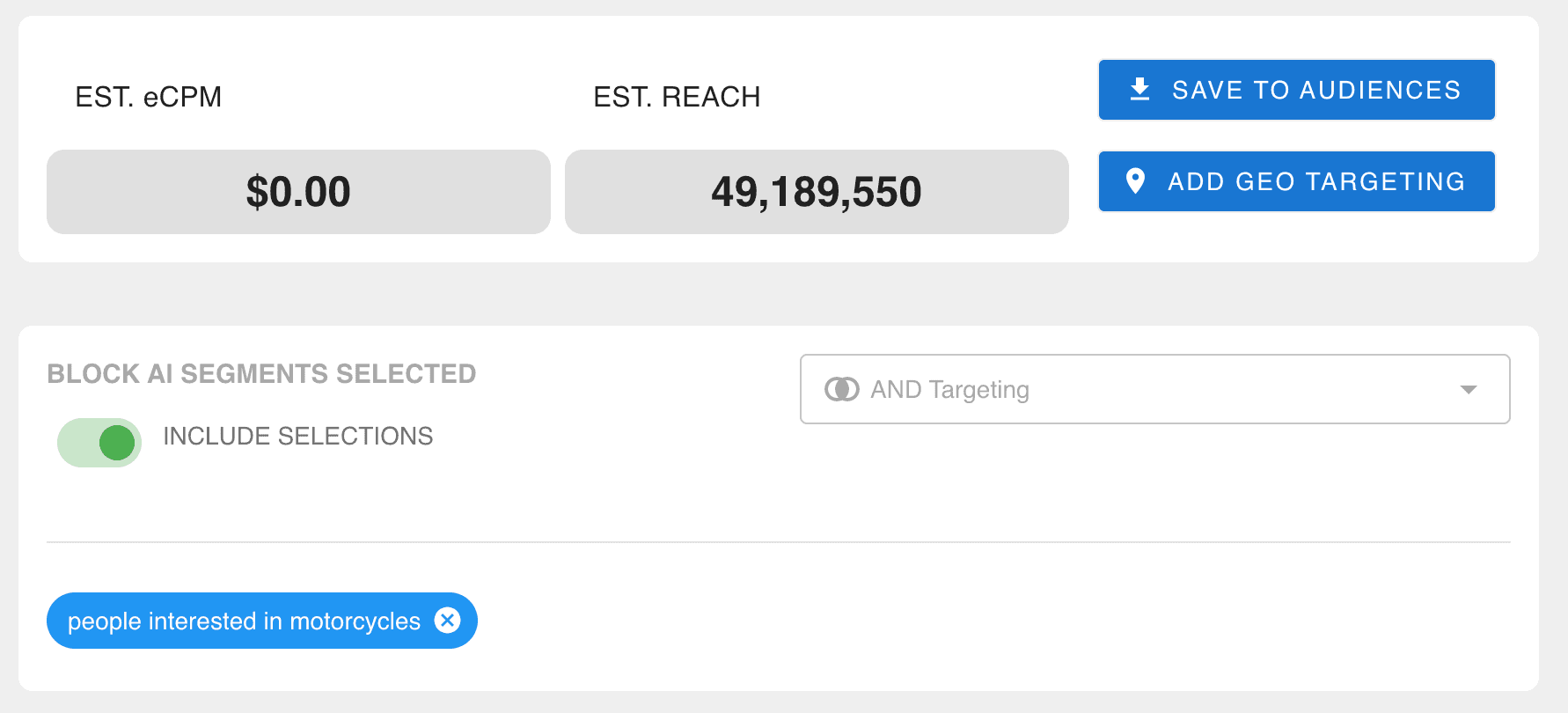
- 8Note: the real-time audience reach estimate provided on the right-hand side of the window. More BlockAI segments can be added to increase this audience reach estimate.
- 9Apply the desired logic -- Include / Exclude -- And / Or
- 10Click Save to My Audiences
- 11Now, the BlockAI audience segment will be available to view in the My Audience section and available to use in the Ad Group section of the Campaign Manager
Geographic Targeting -- Localized Reach
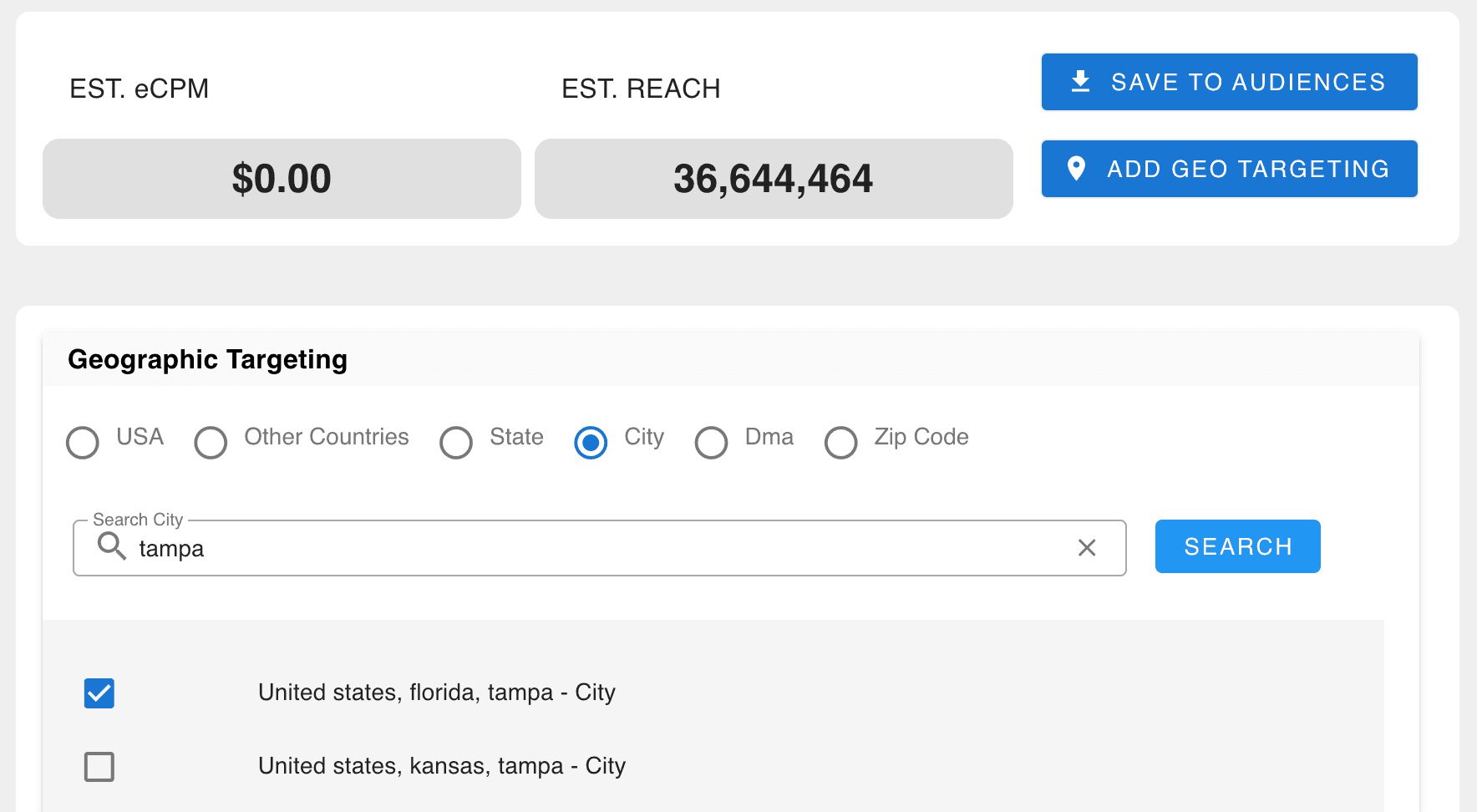
For both Trending Segments and Create Your Own, Geo Targeting can be applied to further fine-tune your audience with localized reach.

Built for performance marketers, BlockVantage steers every step of your programmatic workflow — from launch to optimization — in just a few clicks.
Get Started Free