How to Implement a Pixel on a webpage
To Implement the pixel on your webpage, please choose from one of two formats:
To Implement the pixel on your webpage, please choose from one of two formats:
Implementation Formats: URL and Script
- 1URL: Pixel tag in URL form so user can track events in a 3rd party system for tracking
- 2Script: Implement the pixel tag in the <head> section of the page as a script.
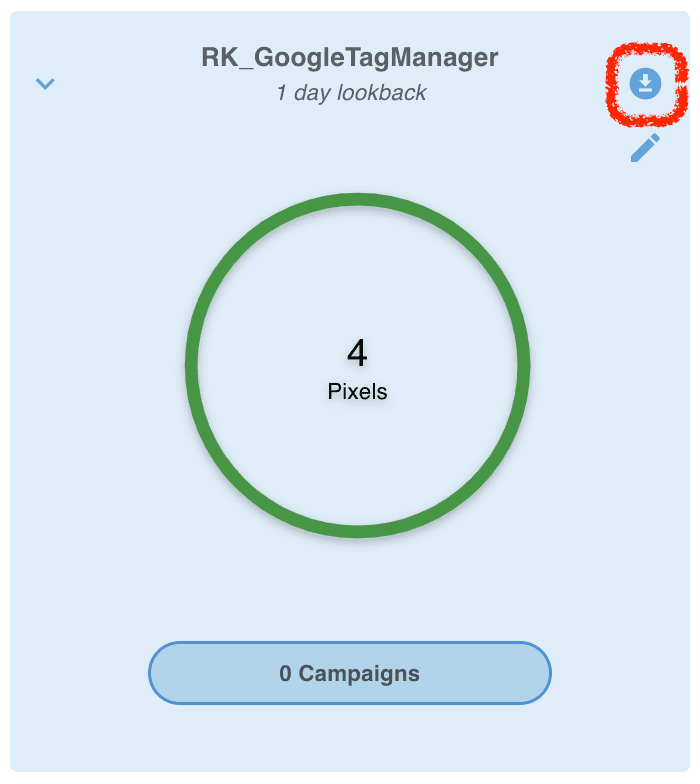
The pixel tag and image tag for each pixel can be downloaded directly from the BlockCONNECT dashboard. To do this, click on the download button within the pixel group area (pictured below).

Ready to Transform Your Advertising?
Built for performance marketers, BlockVantage steers every step of your programmatic workflow — from launch to optimization — in just a few clicks.
Get Started Free