Verification for Pixel Implementation on a Webpage
Navigate to the URL that contains your pixel Right-click any static area on the webpage and select Inspect Element 3. Click on the Network tab
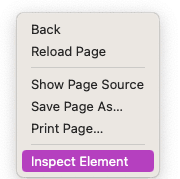
Navigate to the URL that contains your pixel Right-click any static area on the webpage and select Inspect Element 3. Click on the Network tab
- 1In the search bar, type: connect
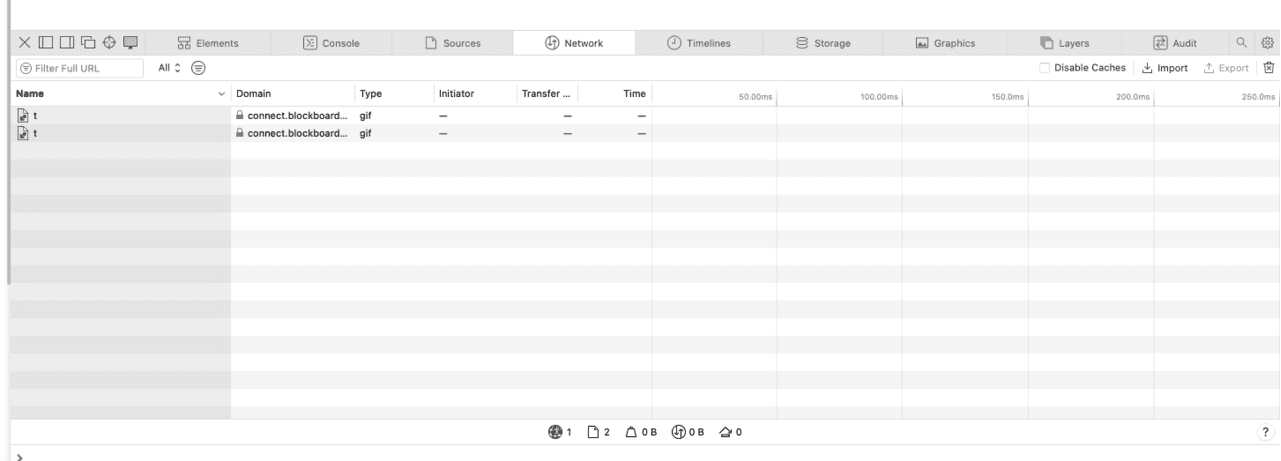
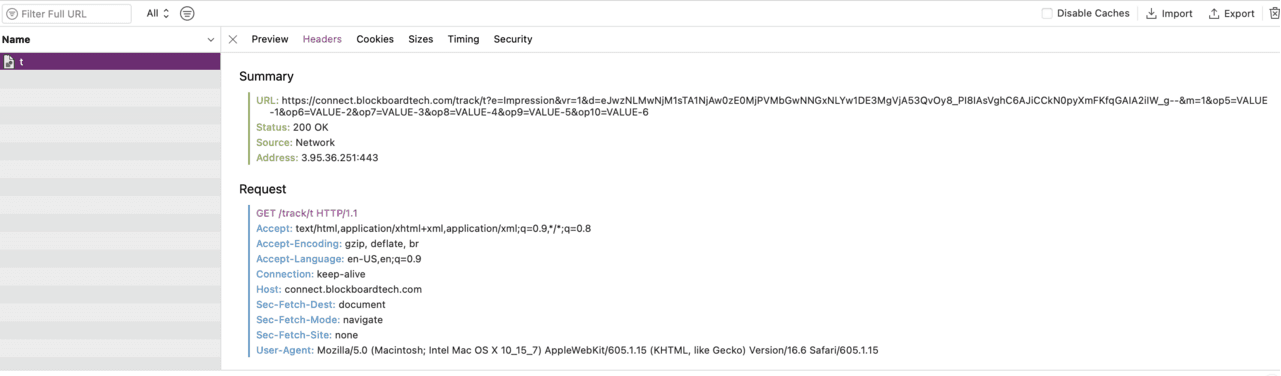
- 2The URL containing "connect.blockboardtech" should appear Note: If you do not see a URL containing connect.blockboardtech, then there is no pixel implemented on the webpage 6. Click on the name "t" 7. Click on the smaller tab that says Headers 8. Refresh the webpage 9. Status should now load and show 200 OK. This means the pixel is active and firing on the webpage Note: If you see any number other than 200 then the pixel is not properly implemented

Ready to Transform Your Advertising?
Built for performance marketers, BlockVantage steers every step of your programmatic workflow — from launch to optimization — in just a few clicks.
Get Started Free