Linking a Pixel Group to a Campaign
How to link a Pixel Group to a Campaign
How to link a Pixel Group to a Campaign
- 1Navigate to the Campaign Manager from the left panel
- 2Hover over the desired campaign and click Edit
- 3Under the Campaign section, find BlockConnect Attribution Group
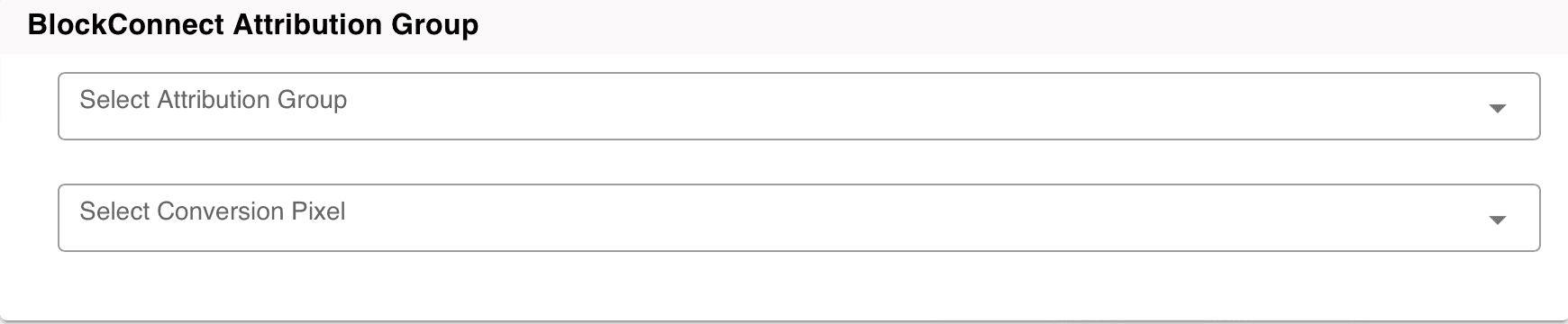
- 4Select the desired Attribution Group from the drop-down
- 5Select the desired conversion pixel from the drop-down
- 6Click Save
NoteThis campaign linkage will now be visible from the BlockConnect Dashboard by hovering over Campaign under Pixel Group

Ready to Transform Your Advertising?
Built for performance marketers, BlockVantage steers every step of your programmatic workflow — from launch to optimization — in just a few clicks.
Get Started Free