Geofence Targeting
In the Campaign Manager, in the Ad Group level, the Blockboard platform provides targeting tools for Geographic Targeting. Geofence targeting allows users to ta
In the Campaign Manager, in the Ad Group level, the Blockboard platform provides targeting tools for Geographic Targeting. Geofence targeting allows users to target by longitude and latitude with a radius. The main functions are Radial Geofences, Polygon Geofences, and Advanced Search.
NoteGeolocation and Geofencing targeting is not available simultaneously.
- 1Navigate to the Campaign Manager on the left panel.
- 2Navigate to the Ad Group, by either creating a new Ad Group or editing an Ad Group that's already created.
- 3Under the Targeting section, under the Geographic section, make sure Geofencing is selected.
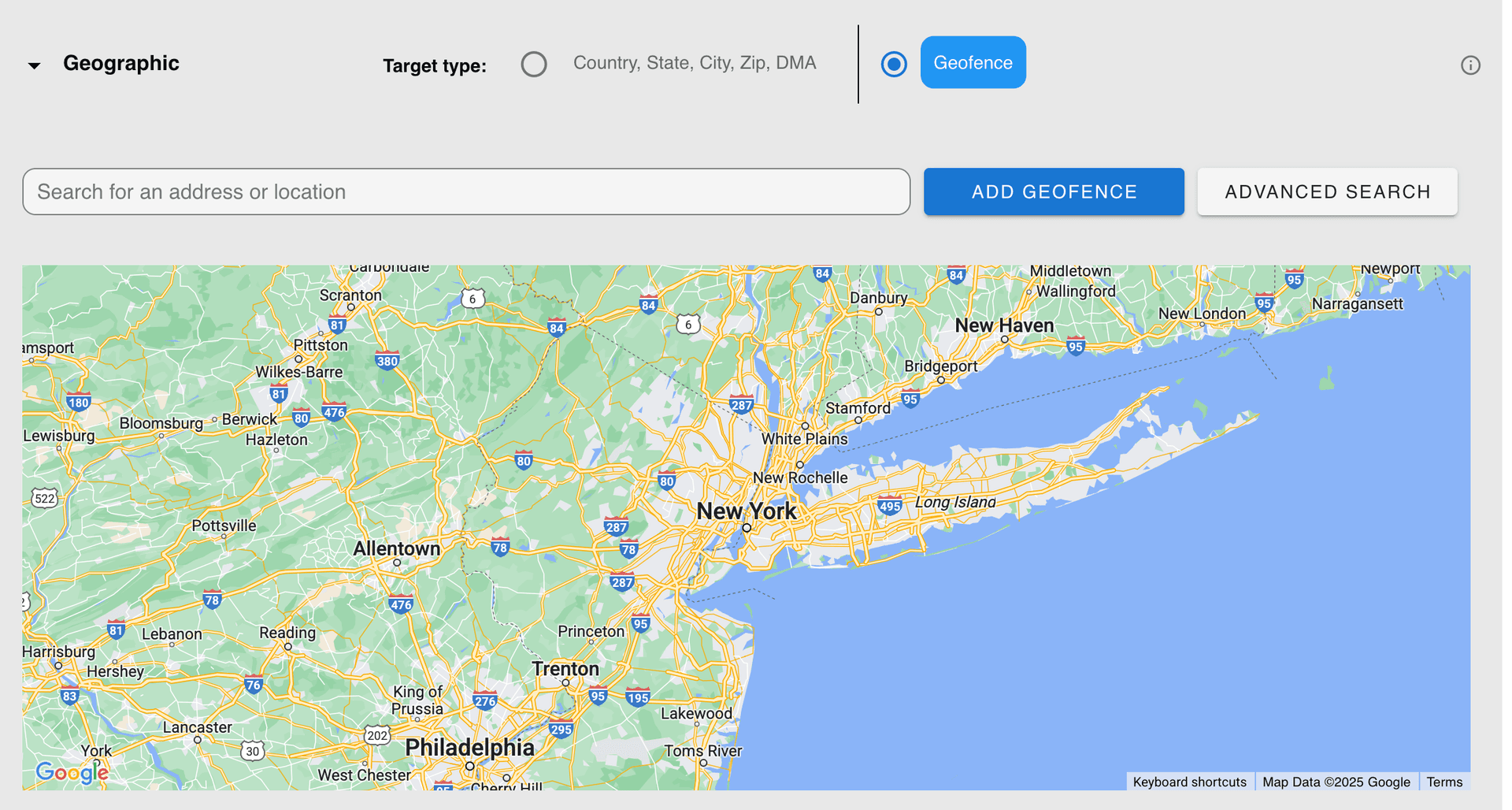
Radial Geofences
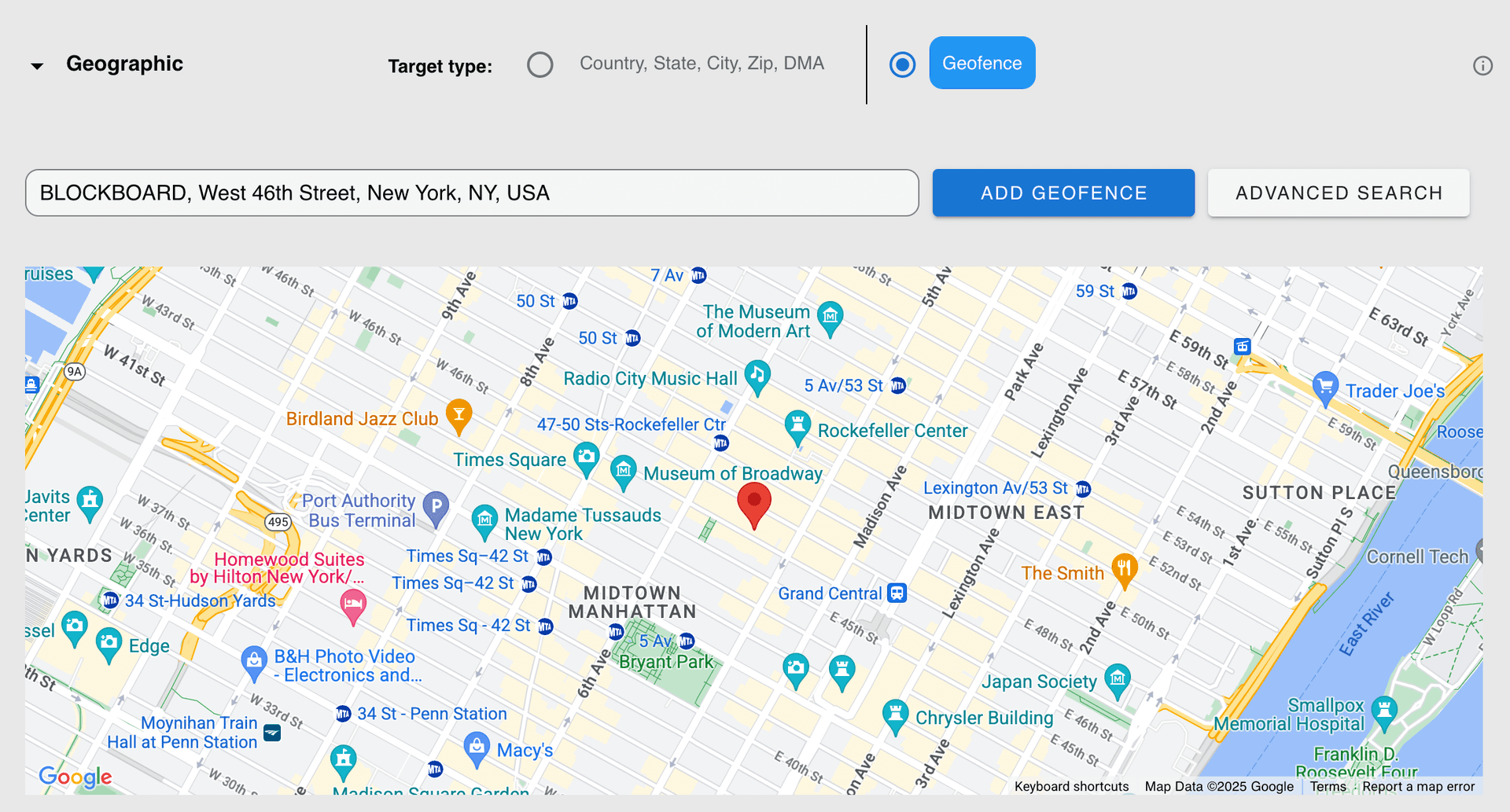
- 1Enter an address to begin. Note: Currently, Blockboard only allows for targeting within the United States.

- 2The red, location icon will appear on the map.
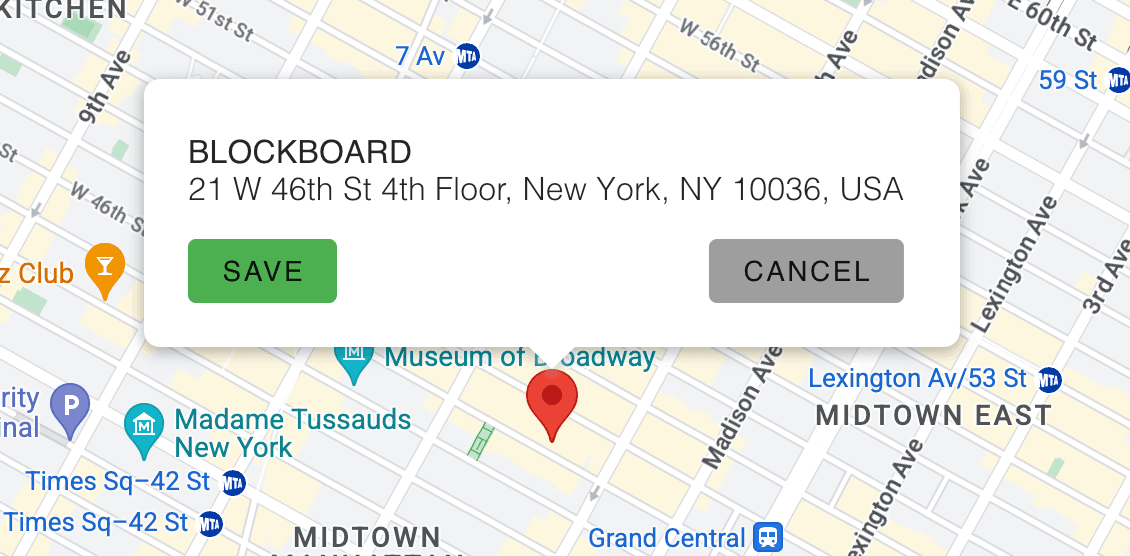
- 3Click on the red, location icon on the map. You will be presented with the option to save the radial geofence.
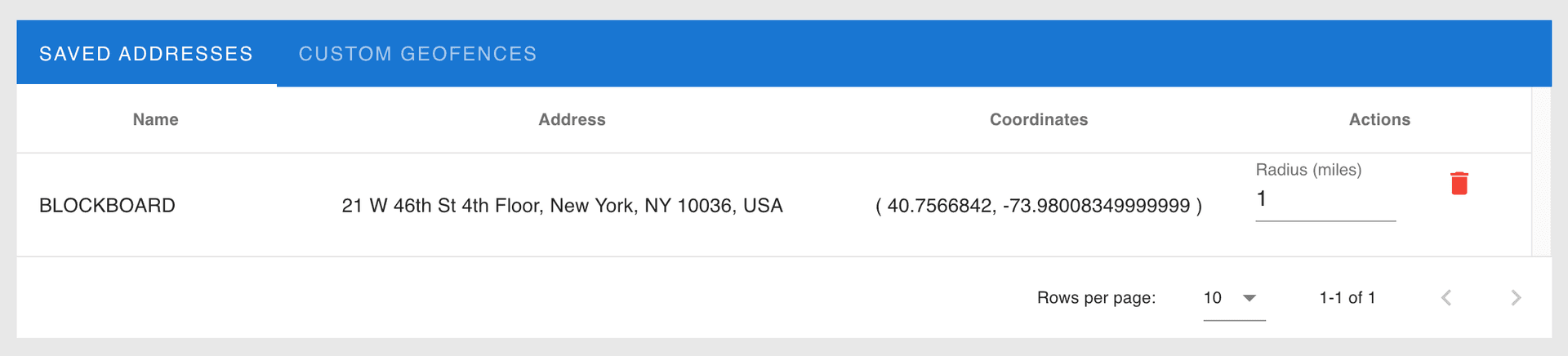
- 4Once saved, the address with the radial geofence will appear in the Saved Addresses table below. You can adjust the radius here, as well.
Polygon Geofences
- 1To draw your own geofence, click on the Add Geofence button.
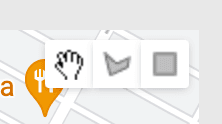
- 2Tool icons will appear. Select the polygon icon.
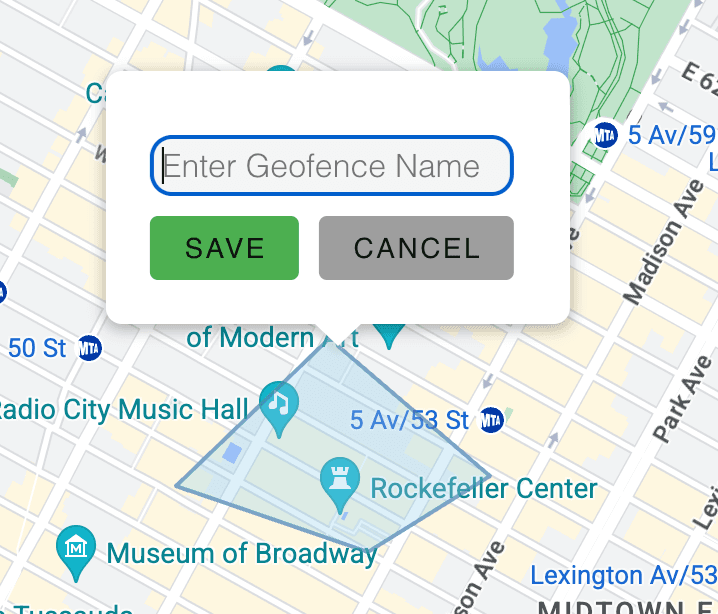
- 3Draw a complete polygon. You can have many sides, but the boarder MUST completely seal itself. Once the boarder is complete, you will be given the option to name the geofence.
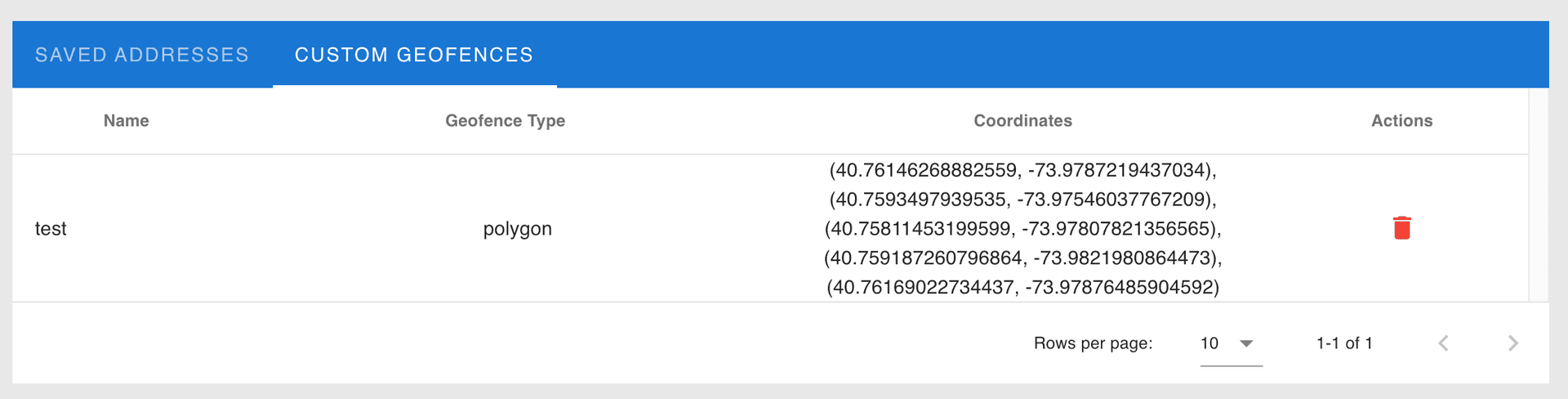
- 4Once the name is saved, the new geofence will appear in the Custom Geofence table below.
Advanced Search
- 1To use the advanced search function, select the Advanced Search button at the top. A popup window will appear.
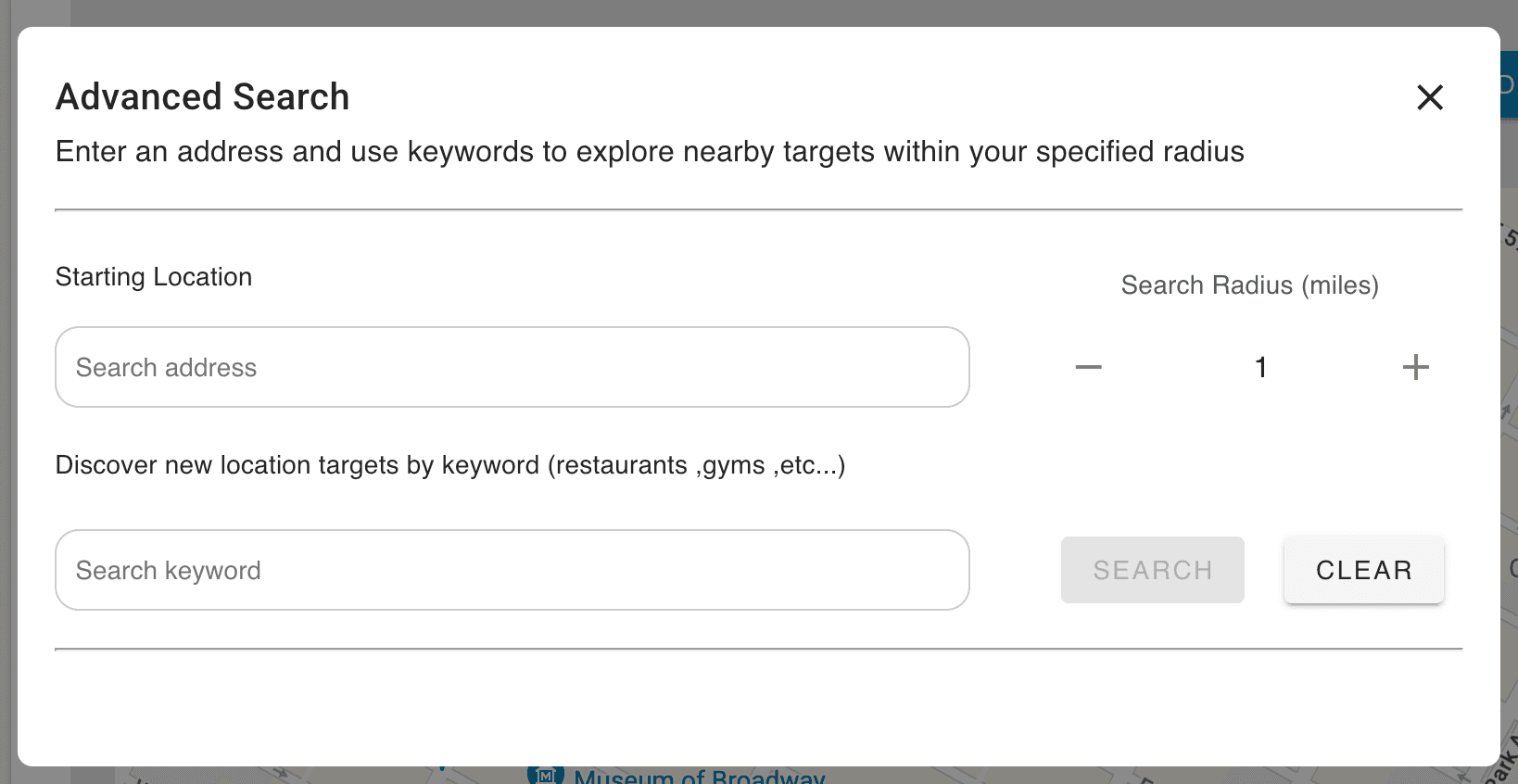
- 2Fill out the relative information and click search to display targets matching your query.
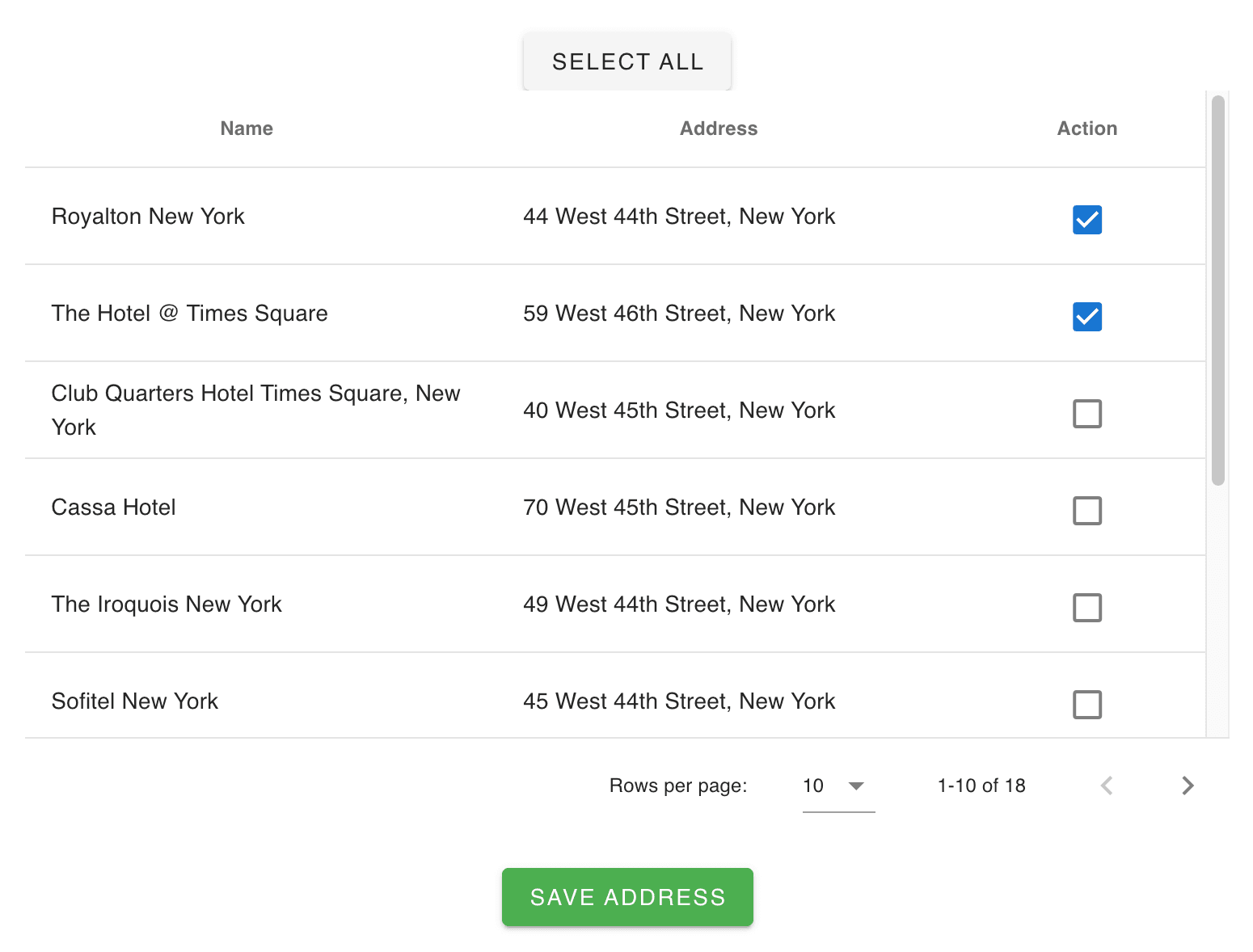
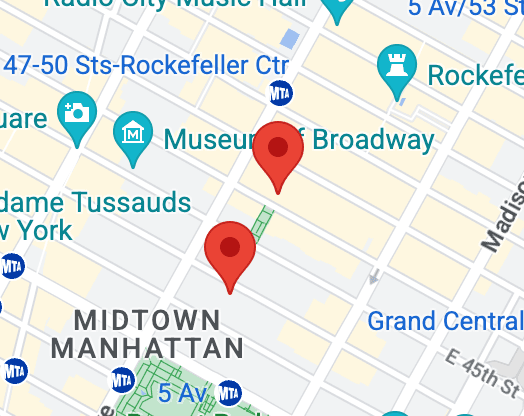
- 3Check the addresses you'd like to include on your map and click the Save Address button. You will see the red icons displayed on your map.
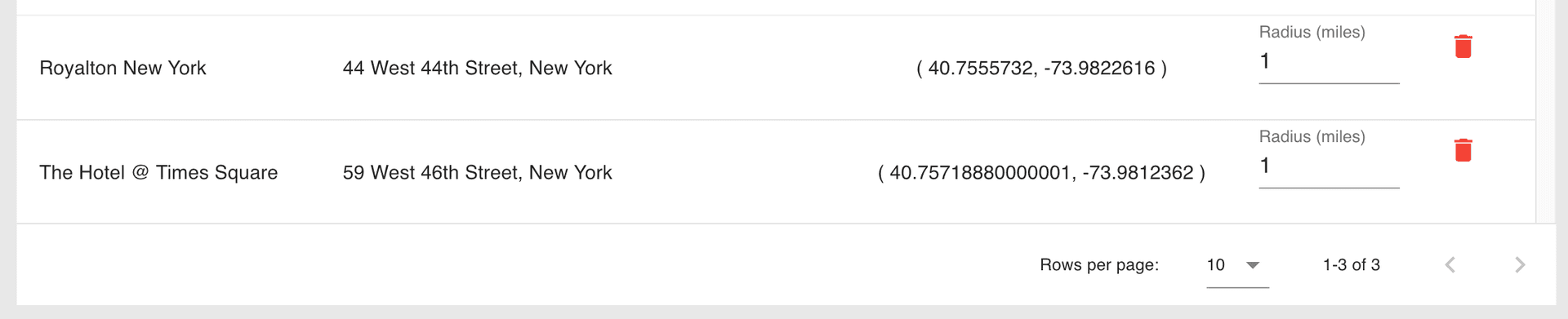
- 4From here, you can adjust the name and radius of the radial geofence OR draw custom geofences around the addresses, if desired.

Ready to Transform Your Advertising?
Built for performance marketers, BlockVantage steers every step of your programmatic workflow — from launch to optimization — in just a few clicks.
Get Started Free